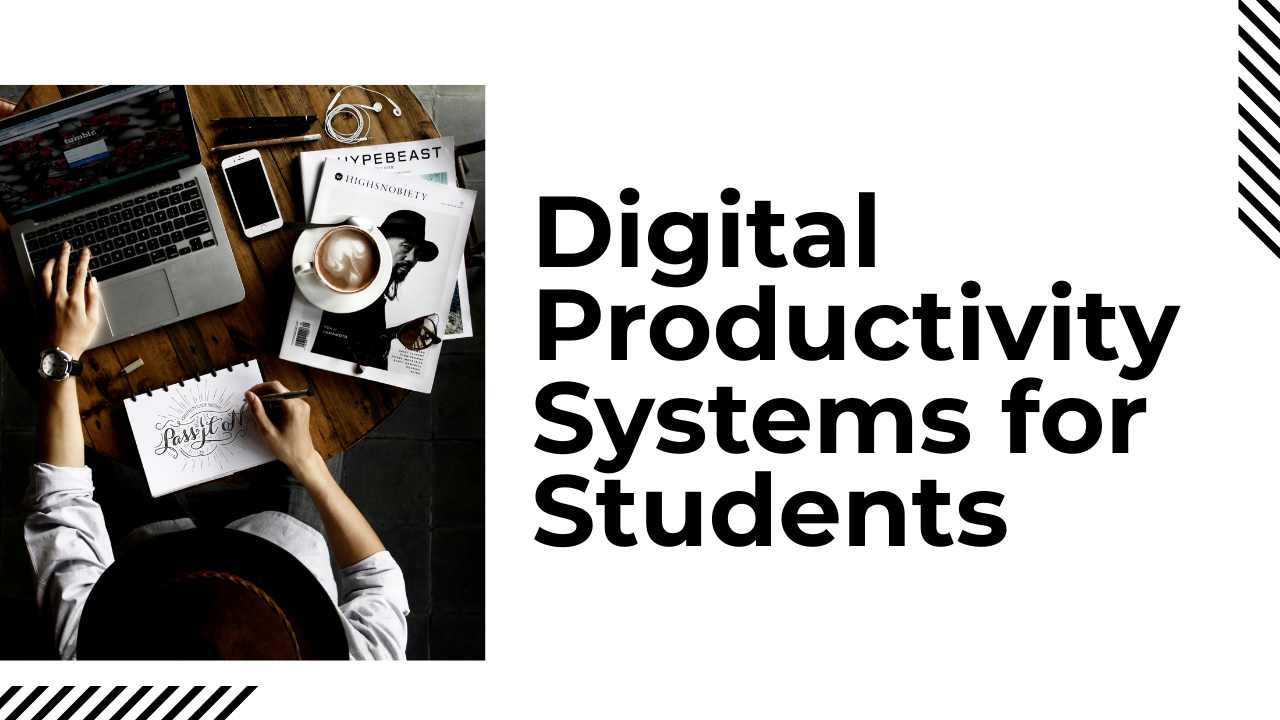
Digital Productivity Systems for Students: The 2026 Comprehensive Blueprint.
In 2026, the academic environment has shifted from simple rote memorization to a complex ecosystem of high-velocity information management. For the modern learner, the challenge is no longer finding information, but filtering, synthesizing, and applying it. Developing robust digital productivity systems for students is no longer a luxury for the elite—it is the baseline requirement for academic survival and professional readiness. With the integration of AI-tutors and decentralized research databases, a student’s “Second Brain” is now just as important as their biological one.
This guide provides a deep-dive into architecting a personalized productivity stack. We will move beyond basic “to-do lists” to explore systemic workflows that automate the mundane, allowing you to focus on deep cognitive work. Whether you are navigating high school, a PhD, or a professional certification, this 3,000-word roadmap will transform your digital chaos into a streamlined engine for success.
The 2026 Academic Shift: Why Old Systems Are Failing
The core problem in 2026 is “Context Fragmentation.” Students are juggling physical lectures, virtual VR labs, AI-generated summaries, and collaborative cloud documents. Traditional planners and basic note-taking apps cannot handle this multi-dimensional data flow.
Modern digital productivity systems for students must solve three specific issues:
-
Information Overload: The ability to capture 100% of incoming data without feeling overwhelmed.
-
Knowledge Retrieval: Ensuring that a note taken in January is instantly findable and useful in June.
-
Focus Protection: Using technology to shield the brain from the very distractions that technology creates.
Core Pillars of a High-Performance Productivity System
A sustainable system is built on four non-negotiable pillars. If one is missing, the system will eventually collapse under the pressure of finals week or a major project.
Pillar 1: Centralized Capture (The Inbox)
In 2026, ideas happen everywhere—in a voice note while walking, a screenshot of a lecture slide, or a thought during a podcast.
-
The Strategy: You must have a “Universal Inbox.” This is a single digital location where every raw input goes before it is sorted.
-
Execution: Use tools like Drafts, Google Keep, or Apple Notes for 2-second captures. The goal is to get the thought out of your head and into the system so your biological RAM is freed up for thinking.
Pillar 2: The “Second Brain” (Digital Garden)
Note-taking in 2026 has moved from linear pages to “Networked Thought.”
-
The Strategy: Use a “Bi-directional Linking” system. When you take a note on “Macroeconomics,” you link it to “Global Politics.” Over time, your notes form a web of knowledge.
-
Execution: Platforms like Obsidian, Notion, or Logseq allow you to build a personal Wikipedia. This ensures that your learning is cumulative rather than isolated.
Pillar 3: Algorithmic Task Management
A static to-do list is a recipe for anxiety. You need a system that prioritizes tasks based on energy levels and deadlines.
-
The Strategy: The “Time-Blocking” and “Eat the Frog” methods.
-
Execution: Use TickTick or Todoist integrated with your calendar. Instead of a list that says “Study Biology,” your system should show a blocked 90-minute window on Tuesday at 10 AM specifically for “Chapter 4 Diagram Review.”
Pillar 4: The Focus Shield
In an era of addictive algorithms, focus is a competitive advantage.
-
The Strategy: “Deep Work” environments.
-
Execution: Use Cold Turkey Blocker (for PC/Mac) or Forest (for Mobile) to physically prevent access to distracting sites during study sessions. 2026 productivity is as much about what you don’t do as what you do.
Advanced Execution: Building Your 2026 Student Stack
To build the best search engine optimization tools for your own brain, you need a lean, integrated stack. Here is the 2026 “Pro Student” setup.
1. Notion: The Operating System
Notion acts as the “Command Center.” Use it to track your semester calendar, store your syllabus, and manage group projects.
-
Advanced Tip: Build a “Grade Tracker” database that automatically calculates the weighted average you need on your final exam to achieve your target grade.
2. Obsidian: The Knowledge Lab
While Notion is for “Management,” Obsidian is for “Thinking.” It is a local-first, markdown-based app that is incredibly fast.
-
The Workflow: Take raw lecture notes in Obsidian. Use the “Graph View” to see how different subjects connect. This visual representation of knowledge is a game-changer for essay writing and thesis development.
3. Anki: The Retention Engine
For subjects requiring heavy memorization (Medical, Law, Languages), Anki is the undisputed king. It uses Spaced Repetition Systems (SRS).
-
How it works: You create flashcards. The app shows you the cards right before you are about to forget them. This moves information from short-term to long-term memory with 80% less effort than traditional cramming.
4. Perplexity AI: The Research Assistant
In 2026, standard Google search is too slow for students. Perplexity acts as a research engine that provides cited, real-time answers.
-
The Workflow: Instead of clicking 10 links, ask: “What are the primary criticisms of the 2025 Global Carbon Tax proposal?” It gives you a summary with direct links to academic papers.
Step-by-Step Guide: How to Execute the “Sunday Reset”
A system only works if it is maintained. The Sunday Reset is a 30-minute ritual that ensures your digital productivity systems for students are ready for the week ahead.
-
Clear the Inboxes: Go through your physical backpack, your phone’s “Quick Notes,” and your email. Delete what is useless; file what is important into Notion or Obsidian.
-
Review the Calendar: Look at the upcoming 14 days. Do you have a paper due? A mid-term?
-
Time-Block the Week: Physically drag your “Study Tasks” into your calendar. If it doesn’t have a time slot, it probably won’t get done.
-
Audit Your “Distraction Data”: Check your screen time. Which app stole the most time? Set a stricter “Focus Block” for that app for the coming week.
-
Clean Your Digital Workspace: Close all 50 tabs, clear your desktop of random screenshots, and empty the trash. A clean digital environment leads to a clear mental state.
Pros and Cons of Digital Productivity Systems
While technology offers incredible leverage, it is important to be aware of the trade-offs.
The Advantages (Pros)
-
Infinite Searchability: You can find a specific quote from a lecture two years ago in 3 seconds.
-
Seamless Collaboration: Real-time syncing makes group projects 10x more efficient.
-
Automated Backups: Unlike a lost physical notebook, your “Second Brain” is backed up to the cloud and encrypted.
-
Accessibility: Use “Text-to-Speech” to listen to your readings while commuting or “Speech-to-Text” to draft essays while walking.
The Challenges (Cons)
-
Procrastivity: The act of “tinkering” with your productivity system instead of actually doing the work. Don’t spend 5 hours making a pretty Notion template if you haven’t started your essay.
-
Digital Fatigue: Staring at screens for 12 hours a day can lead to burnout and eye strain.
-
Over-reliance on AI: If you let AI summarize everything, you miss the “Cognitive Struggle” required for true learning. Use AI as a co-pilot, not the pilot.
Common Mistakes Students Make in 2026
-
Complex Systems for Simple Tasks: You don’t need a database to remember to buy milk. Keep your “Life Tasks” separate from your “Deep Academic Systems.”
-
Ignoring the “Analog Break”: In 2026, the most productive students still use physical paper for initial brainstorming. It engages different neural pathways.
-
Failing to Tag Properly: If you don’t use consistent “Metadata” (tags like #Exam2026 or #SourcePaper), your digital garden will become a digital jungle.
-
Syncing Overload: Trying to use 10 different apps that all do the same thing. Pick one for Tasks, one for Notes, and one for Calendar. That’s it.
Final Recommendation: Your 2026 Success Stack
If you are a student looking to build your first professional-grade digital productivity systems for students, here is our definitive recommendation:
-
For Management & Planning: Notion. Its versatility for student templates is unmatched.
-
For Deep Note-Taking: Obsidian. It is fast, private, and future-proof.
-
For Memorization: Anki. It is the gold standard for long-term retention.
-
For Focus: Forest. It gamifies your focus by planting digital trees while you study.
The tools of 2026 provide you with more cognitive power than any generation in human history. By building a system that manages the “noise,” you allow your mind to focus on what it does best: creating, analyzing, and innovating. Start small, stay consistent, and let your system do the heavy lifting.