

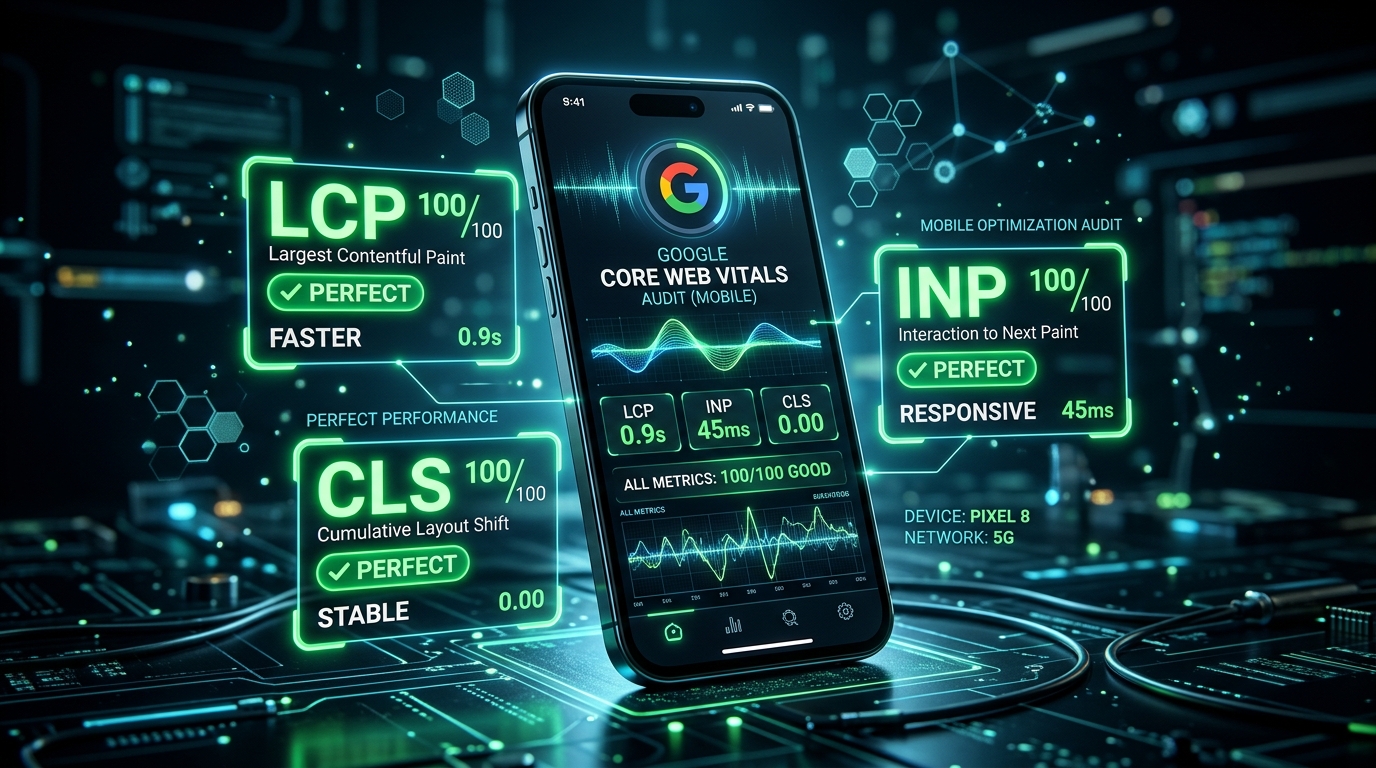
Achieving a perfect 100 PageSpeed score on desktop is relatively straightforward with modern caching and fast hardware. However, Google evaluates ranking signals using Mobile-First Indexing and real-world field data (Chrome User Experience Report – CrUX) collected from users on mid-range Android smartphones over constrained 4G mobile networks. Passing Core Web Vitals on mobile is where most websites fail.
With Google officially replacing First Input Delay (FID) with Interaction to Next Paint (INP) as a core ranking metric, mobile optimization requires a fundamental overhaul of JavaScript execution, main-thread budgeting, and responsive rendering. In this technical diagnostic guide, we dissect the three core pillars of mobile performance and outline the exact engineering fixes needed to pass with flying colors.
| Metric | What It Measures | Good (Passing) Target | Primary Cause of Failure on Mobile |
|---|---|---|---|
| LCP (Largest Contentful Paint) | Loading speed of primary hero element | < 2.5 seconds | Oversized images, slow TTFB, client-side rendering |
| INP (Interaction to Next Paint) | Visual responsiveness to taps/clicks | < 200 milliseconds | Heavy JavaScript blocking main thread, long tasks |
| CLS (Cumulative Layout Shift) | Visual stability during page load | < 0.1 | Images/ads without explicit dimensions, dynamic fonts |
1. Conquering Mobile LCP (Largest Contentful Paint < 2.5s)
On mobile viewports, the LCP element is almost always the above-the-fold hero image, prominent headline, or banner graphic. To guarantee sub-2.5s rendering on cellular connections:
A. Eliminate Client-Side JavaScript Resizing
Never rely on JavaScript plugins to load or resize hero banners. The browser must discover the critical asset in the raw HTML payload prior to CSS/JS parsing.
B. Preload the LCP Image with High Priority
Inject an explicit preload directive into your document <head>:
<link rel="preload" as="image" href="/images/mobile-hero-750.avif" type="image/avif" fetchpriority="high">
C. Do NOT Lazy-Load Above-the-Fold Assets
Adding loading="lazy" to an LCP image delays downloading until the layout engine calculates viewport coordinates, artificially delaying LCP by 800ms–1,500ms.
2. Mastering INP: The New Interaction Bottleneck (< 200ms)
Interaction to Next Paint (INP) measures the longest latency between a user interaction (tapping a hamburger menu, clicking a dropdown, or typing into a search field) and the next frame update presented on screen. On mobile processors, heavy JavaScript saturates the single-threaded CPU.
A. Breaking Up Long Tasks with scheduler.yield()
Any JavaScript task executing for longer than 50ms is classified as a Long Task. When a user taps the screen during a long task, the browser cannot render the response until the task finishes.
Modern frontend code leverages modern task scheduling APIs to yield back to the main thread:
async function processHeavyAnalyticsData(data) {
  for (const chunk of data) {
    processDataChunk(chunk);
    // Yield execution back to the browser to paint interactive user frames
    if ('scheduler' in window && 'yield' in scheduler) {
      await scheduler.yield();
    } else {
      await new Promise(resolve => setTimeout(resolve, 0));
    }
  }
}
B. Audit and Defer Third-Party Tracking Scripts
Google Tag Manager, Hotjar, TikTok pixels, and bloated live chat widgets are the primary culprits behind high mobile INP. Defer non-critical trackers using defer or offload tracking entirely via server-side Google Tag Manager.
3. Eradicating Mobile CLS (Cumulative Layout Shift < 0.1)
Mobile screens are narrow. When an unexpected banner or ad pops in, text cascades downwards, causing accidental taps and frustrating users:
- Explicit Aspect Ratios: Always declare width and height on images and video wrappers:
style="aspect-ratio: 16/9;". - Reserve Space for Dynamic Elements: If your site injects Google AdSense banners or affiliate notices, assign the container a minimum CSS height (e.g.,
min-height: 250px;) so surrounding content does not shift when the ad loads. - Font Fallback Matching with
font-display: swap: Prevent layout shifts when custom web fonts download by sizing fallback system fonts with matchingsize-adjustproperties.
Frequently Asked Questions (FAQ)
Why does Google PageSpeed Insights show a different score than CrUX field data?
PageSpeed Insights runs a synthetic laboratory test on an emulated device under fixed network throttling. CrUX (Chrome User Experience Report) aggregates actual real-world user data over the trailing 28 days. Google uses CrUX real-world field data for search ranking calculations.
How long does it take for Core Web Vitals improvements to reflect in Google Search?
Because CrUX is calculated as a 28-day rolling average, performance fixes deployed today will gradually move the needle, fully validating in Google Search Console within 28 days.
Need a senior web performance architect to audit, optimize, and guarantee Core Web Vitals compliance for your mobile web assets? Explore our technical casework or reach out directly.

Saizul Amin is a digital growth strategist and SEO consultant specialising in search engine optimisation, web development, AI-powered automation, and online income systems. With 8 years of hands-on experience helping businesses and individual creators grow their online presence, Saizul combines technical expertise with practical, results-driven strategy.
Experience & Background
Saizul started his digital career in 2017, initially working with Bioscope Limited to build and optimise websites for organic search traffic. Over the years, he has worked across industries including DGHS, NAVANA, UNICampus, UNIPathways, UniqueMark, developing a deep understanding of what it takes to rank, convert, and grow sustainably online.
His work spans the full digital stack — from technical SEO audits and content strategy to WordPress development, marketing automation, and AI tool integration for small businesses and startups.
What He Covers on This Blog
Every article on SaizulAmin.com is written from direct experience. Saizul does not publish theoretical content — every guide, tool recommendation, and strategy shared here has been tested and applied in real projects. Topics include:
- Search engine optimisation (on-page, technical, and content SEO)
- Digital marketing strategy and growth systems
- AI tools and automation for business productivity
- Web development, WordPress, and website building
- Making money online through freelancing and affiliate marketing
Why Trust This Content
All recommendations on this site reflect tools and strategies Saizul actively uses or has personally evaluated. Where affiliate relationships exist, they are clearly disclosed. Content is regularly reviewed and updated to reflect current best practices and algorithm changes.