


Once you look after more than two servers, typing ssh -i ~/.ssh/client_key -p 2222 deploy@203.0.113.10 gets old, and mistakes creep in: the wrong key, the wrong user, a password prompt you did not expect. The SSH client configuration file fixes that. One block per server gives every host a short name, its own key and its own options, and the same file handles jump hosts and connection sharing. This guide builds a clean ~/.ssh/config for the OpenSSH 9.6 client in Ubuntu 24.04, sets up a bastion with ProxyJump and a restricted jump user, and explains when agent forwarding is acceptable and what to use instead.
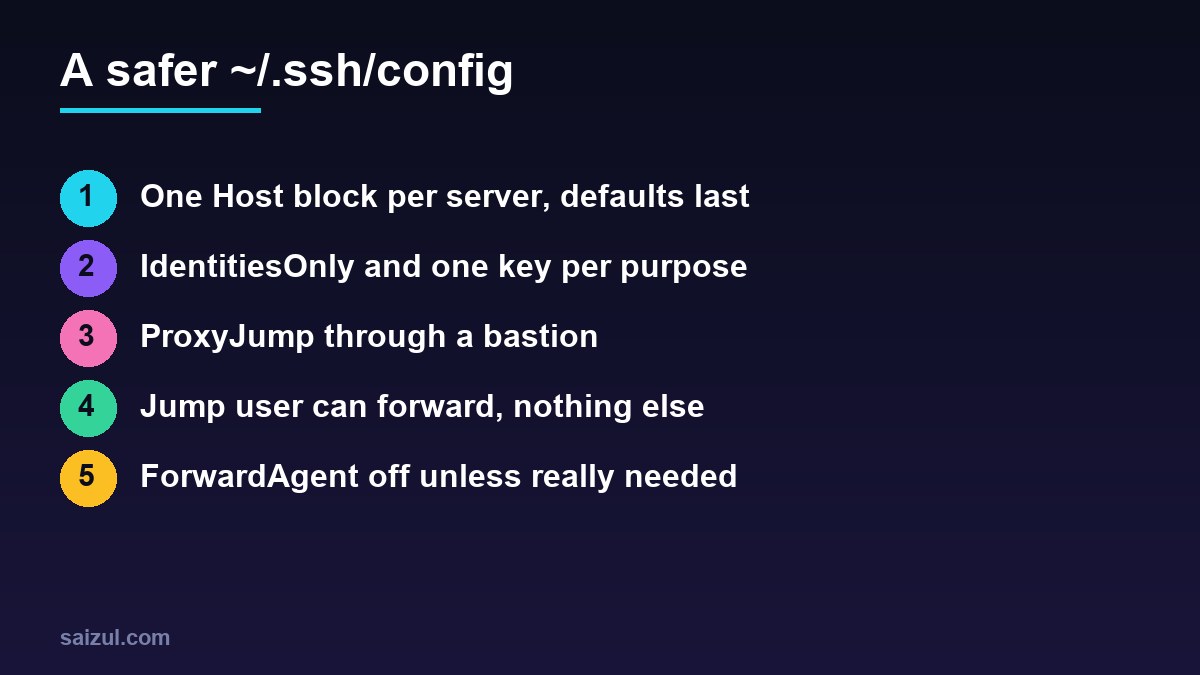
From my own work: My own config has a block for every client server, and agent forwarding is off for all of them. The two problems I see most on other people’s machines are a global ForwardAgent yes copied from an old tutorial, and dozens of keys loaded in the agent, which ends in Too many authentication failures before the right key is even tried.
How ssh reads the file
The client reads options from the command line, then ~/.ssh/config, then /etc/ssh/ssh_config. For most options the first value it finds wins and later ones are ignored (ssh_config(5)). That single rule explains most surprises: put specific Host blocks at the top and general defaults in Host * at the bottom. A Host line accepts several patterns, * and ? wildcards, and ! to exclude a name.
The file must not be writable by anyone else, or ssh refuses to use it:
mkdir -p ~/.ssh/config.d && chmod 700 ~/.ssh
touch ~/.ssh/config && chmod 600 ~/.ssh/config
A clean starting config
# ~/.ssh/config
Include config.d/*

Host web1
    HostName 203.0.113.10
    User deploy
    IdentityFile ~/.ssh/id_ed25519_work

Host client-*
    User admin
    IdentityFile ~/.ssh/id_ed25519_clients

Host client-shop
    HostName shop.example.com
    Port 2222

Host *
    IdentitiesOnly yes
    AddKeysToAgent yes
    ServerAliveInterval 30
    ForwardAgent no
Now ssh web1, scp file web1: and rsync -a site/ client-shop:site/ all use the right address, user, port and key. client-shop gets its port from its own block and its user and key from the client-* block, because options from every matching block are combined, first value first.
Include reads other files in lexical order, and relative paths start from ~/.ssh. Put it at the top: an Include placed after a Host line belongs to that block. One file per client in config.d/ keeps a long list manageable and easy to remove when a contract ends (ssh_config on Ubuntu 24.04).
One key per purpose and IdentitiesOnly
Without IdentitiesOnly yes, ssh offers every key in the agent before the one in IdentityFile. Servers allow only a few attempts (MaxAuthTries is 6 by default), so with many keys loaded the connection fails before the right key is tried. With it, ssh offers only the keys you configured for that host. Using separate keys for your own servers, client servers and Git hosting also limits the damage if one leaks. The keys themselves are covered in SSH key authentication on Ubuntu.
Jump hosts with ProxyJump
A bastion, or jump host, is the only server that accepts SSH from the internet; the others accept SSH only from the bastion or a private network. ProxyJump connects to the bastion, opens a forwarded TCP connection from there to the target, and runs a second, end-to-end encrypted SSH session through it. Your keys stay on your computer and authenticate directly with the target, and the bastion never sees them.
Host bastion
    HostName bastion.example.com
    User jump
    IdentityFile ~/.ssh/id_ed25519_work

Host db1 app1
    ProxyJump bastion
    User admin
    IdentityFile ~/.ssh/id_ed25519_work

Host db1
    HostName 10.0.0.21

Host app1
    HostName 10.0.0.22
On the command line the same is ssh -J jump@bastion.example.com admin@10.0.0.21. Several jumps are separated by commas and visited in order, for example ProxyJump bastion,inner-bastion, and ProxyJump none switches it off for one host that would otherwise match a wildcard. scp, rsync and Git over SSH all follow the config, so rsync -a backup/ db1:/srv/restore/ goes through the bastion without extra flags.
A jump user that can only forward
The account on the bastion only needs to forward connections to the servers behind it. It does not need a shell. On the bastion, add a Match block at the end of the server configuration that allows forwarding to listed addresses only (sshd_config(5)):
# /etc/ssh/sshd_config.d/50-jump.conf on the bastion
Match User jump
    AllowTcpForwarding yes
    PermitOpen 10.0.0.21:22 10.0.0.22:22
    X11Forwarding no
    AllowAgentForwarding no
    PermitTTY no
    ForceCommand /usr/sbin/nologin
sudo adduser --disabled-password --gecos "" jump
sudo sshd -t && sudo systemctl reload sshAdd your public key to /home/jump/.ssh/authorized_keys. ProxyJump opens only a forwarding channel, not a session, so ForceCommand and PermitTTY no do not get in its way, while a normal login as jump gets no shell. PermitOpen stops the account from being used to reach anything except SSH on the listed servers. Keep your current session open while you test from a second terminal. Then allow port 22 on the inner servers only from the bastion, as in the UFW firewall guide, and harden the bastion itself as in hardening OpenSSH.
Agent forwarding: when and how
ForwardAgent yes makes your local ssh-agent available on the remote server. The manual is explicit about the risk: anyone who can bypass file permissions on that server, which includes its root user and anyone who has compromised it, can use your loaded keys to log in elsewhere for as long as you are connected. They cannot copy the keys, but they do not need to.
Most reasons for agent forwarding have a better answer:
- Reaching a server behind a bastion: use
ProxyJump. It needs no forwarding at all. git pullfrom a private repository on the server: use a deploy key, a read-only key that lives on the server and grants access to one repository. Deployments from CI work the same way, as in deploying WordPress with GitHub Actions.- Copying files between two servers: run
rsyncfrom your computer or withscp -3, which sends the data through your machine.
If you still need it, enable it for one host, never in Host *, and make every use of a key visible. With AddKeysToAgent confirm, or ssh-add -c, the agent asks for confirmation each time the key is used, so a request you did not trigger stands out. Confirmation needs an askpass program on your desktop; test that it works before relying on it (ssh-add(1)):
Host build1
    HostName 10.0.0.30
    ProxyJump bastion
    ForwardAgent yes

# load a key that asks before every use, for one hour
ssh-add -c -t 1h ~/.ssh/id_ed25519_git
Faster connections with ControlMaster
Connection sharing reuses one authenticated connection for later sessions to the same host, so the second ssh, scp or Git command starts instantly and you authenticate once. Put the socket in a private directory:
Host *
    ControlMaster auto
    ControlPath ~/.ssh/cm-%C
    ControlPersist 10m

ssh -O check web1    # is a master running?
ssh -O exit web1     # close it, e.g. after changing keys
%C is a hash of the local host, remote host, port, user and jump host, so the socket name is short and unique. The shared connection keeps the options it was opened with, so close it with ssh -O exit after you change a host’s config. Add these lines to the same final Host * block as the defaults above.
Check what ssh will actually do
ssh -G db1 | grep -E '^(hostname|user|port|proxyjump|identityfile|forwardagent) '
ssh -v db1 2>&1 | grep -E 'Reading configuration|Offering|Authenticated'
ssh -G prints the final configuration for a host after all blocks are combined, without connecting, which is the quickest way to see why a wrong key or user is chosen. ssh -v shows which files were read and which keys were offered. Failed logins on the server side end up in the logs that Fail2ban watches.
Want this done on your own server or site?
I am Saizul Amin, a web developer and technical SEO consultant. I set up and harden VPS servers, migrate WordPress sites, fix indexing problems and build automations. See my portfolio or get in touch.
FAQ
What is the difference between ProxyJump and agent forwarding?
ProxyJump runs the SSH session to the target through the jump host, and your keys authenticate directly from your computer. Agent forwarding makes your agent usable on the remote server, so its root user can use your keys while you are connected.
Why do I get Too many authentication failures?
ssh offered several keys from the agent and the server stopped after MaxAuthTries attempts. Set IdentitiesOnly yes and an IdentityFile for the host so only the right key is offered.
Where should Host * go in ~/.ssh/config?
At the bottom. For most options the first value found wins, so specific Host blocks must come first and general defaults last.
Sources
- OpenBSD manual: ssh_config(5)
- Ubuntu Manpage (noble): ssh_config
- OpenBSD manual: sshd_config(5)
- OpenBSD manual: ssh-add(1)

Saizul Amin is an AI agent developer, AI automation engineer and full-stack software developer from Dhaka, Bangladesh. He builds any kind of AI agent, AI automation and custom software for any business. Portfolio: https://saizul.com